
Avid S4 console: The configurator
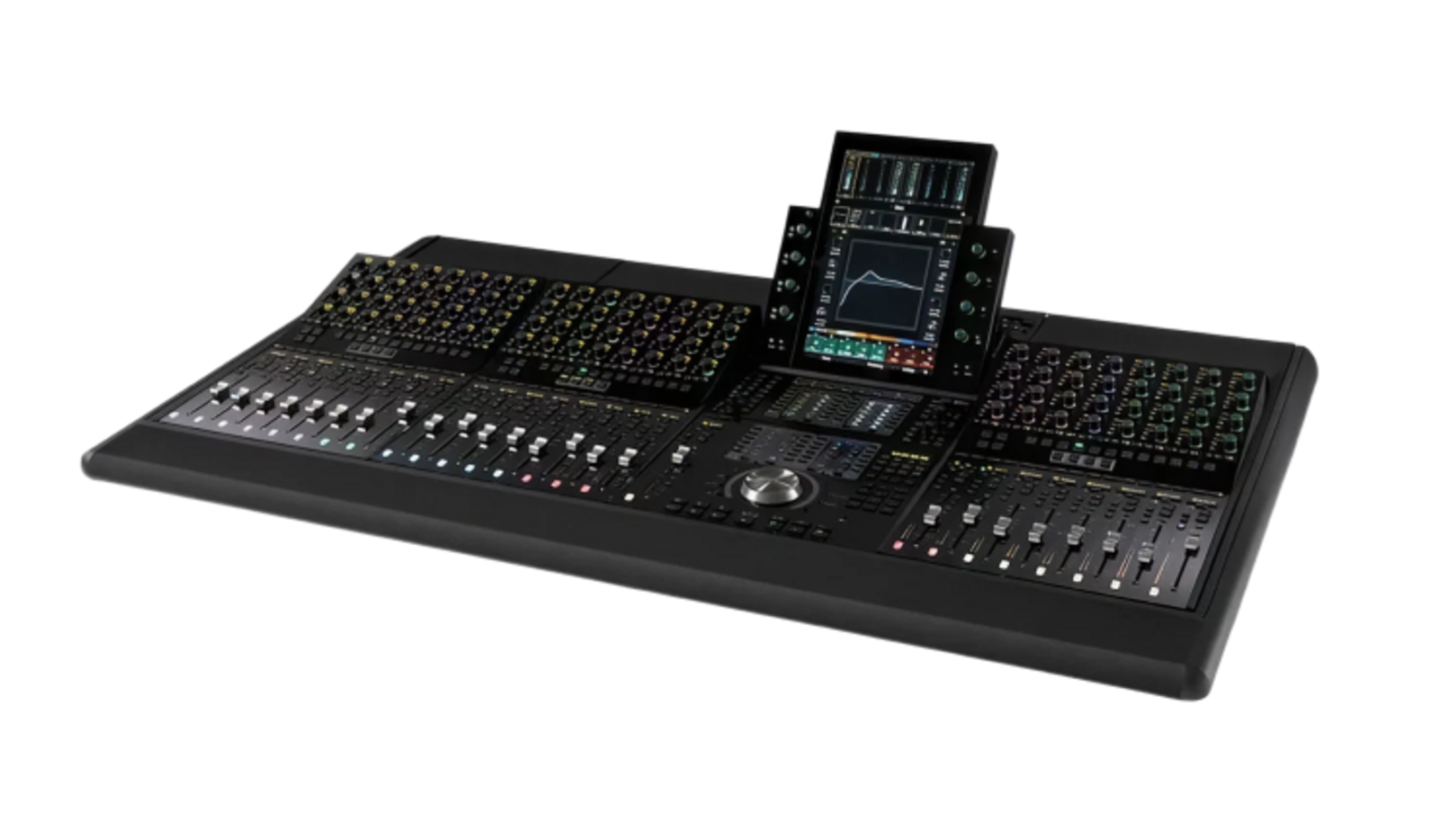
The Avid S4 combines flexible configuration with direct control over your audio workflows. Its modular control surface lets you control Avid Pro Tools and EUCON-compatible DAWs via the EUCON Ethernet protocol. The touchscreen and tactile controls give you direct access to key functions and support fast, precise workflows in audio production.
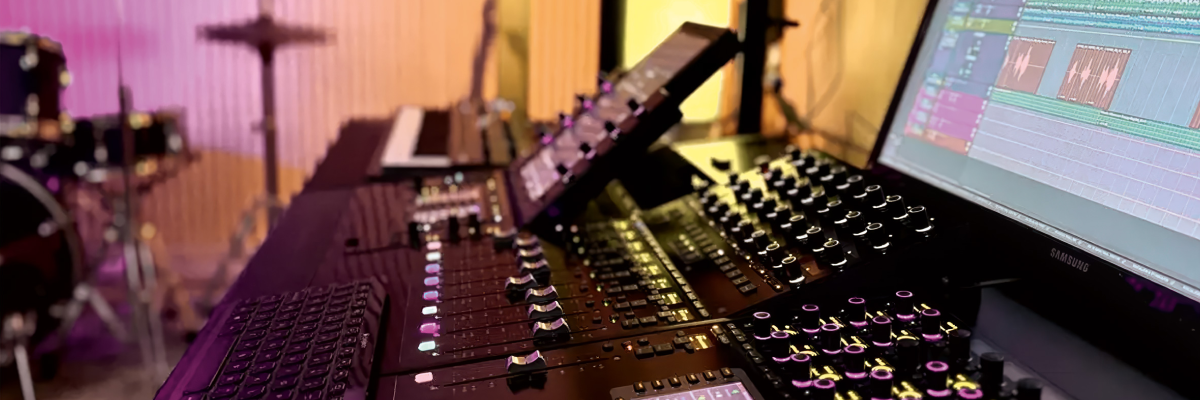
Avid S4 modules
Control up to two DAWs simultaneously with the S4. The S4 console is available in a range of base configurations and can be flexibly expanded with additional modules. This lets you configure the control surface to match your workflow and adapt your setup as requirements change.
For quick orientation, the S4 provides comprehensive visual feedback. Different colors can be assigned to audio applications and controls, helping you quickly identify audio tracks and functions. Optional high-resolution Display Modules provide color visualization of multichannel meters, waveforms, and more.
The different module types are integrated directly into the chassis. Frames are available in three-, four-, or five-frame sizes.
Standard modules
Master Touch Module (MTM)
The Master Touch Module is the central control interface of the S4. Using the 12.1-inch touchscreen and additional controls, you can select tracks, mute, solo, or record-arm them, control input functions, and access further track functions. The module also provides access to the Home, Tracks, Monitoring, and Settings screens.
Master Automation Module
The Master Automation Module brings together key automation and navigation functions. It includes a jog/shuttle wheel, transport controls, a focus fader, a keypad, and additional controls.
Channel Strip Module
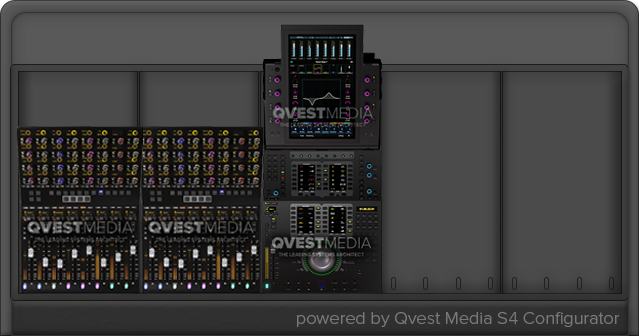
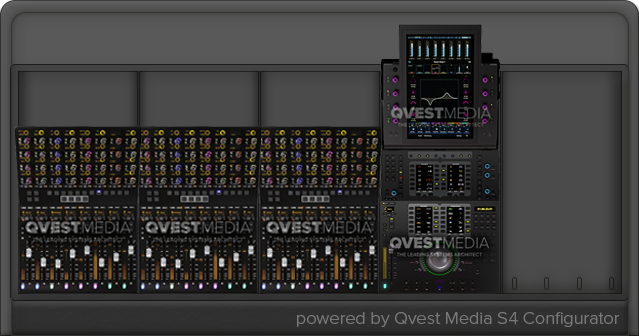
The S4 supports up to three Channel Strip Modules for controlling audio tracks, plugins, and other parameters. Each module includes eight faders, 32 rotary encoders, and more.
Optional modules
Display Module
The high-resolution TFT display clearly presents meters, waveforms, metrics, and other information for each of the eight channel strips.
Joystick Module
Two touch-sensitive joysticks provide precise control when mixing. The module is designed specifically for immersive audio formats such as Surround, Dolby Atmos, and Ambisonics.
Post Module
The Post Module lets you quickly play back individual recorded tracks and compare them with their input signals before starting the mix.
Attention Knob Module
The Attention Knob Module expands your S4 with 32 additional rotary encoders. These can be assigned to additional DAW functions, including Attention Track functions, plugins, EQ, dynamics, and panning.
Configure your Avid S4
Configure your Avid S4 to match your requirements in three simple steps using our configurator:
-
Choose a base configuration: Select your preferred base configuration with three, four, or five frames.
-
Add modules: Expand your console with the Display, Joystick, Post, or Attention Knob Modules you need. Select the desired module, then click the plus icon at the corresponding position in the frame.
-
Submit your configuration: Send us your preferred configuration. We will provide you with a free, no-obligation quote.
Select your basic configuration:
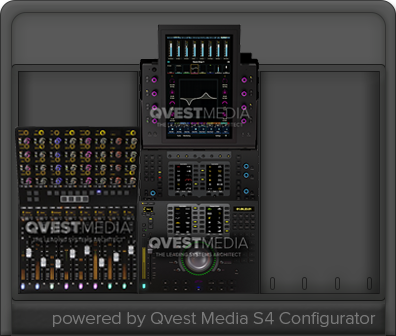
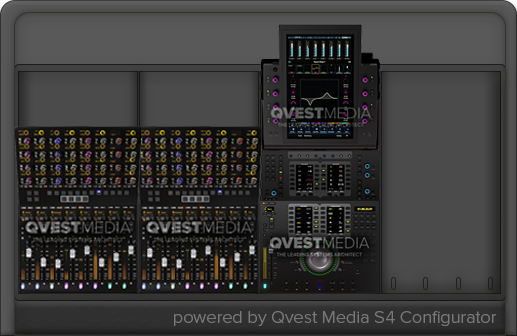

Select a frame
Avid S4: Consulting and system integration
Would you like to learn more about the Avid S4 or discuss your configuration with us?
Our audio specialists provide independent, no-obligation consulting for your project. Together, we clarify your requirements and support you in integrating the Avid S4 into your studio and existing audio workflows.


