
Avid S6: The configurator
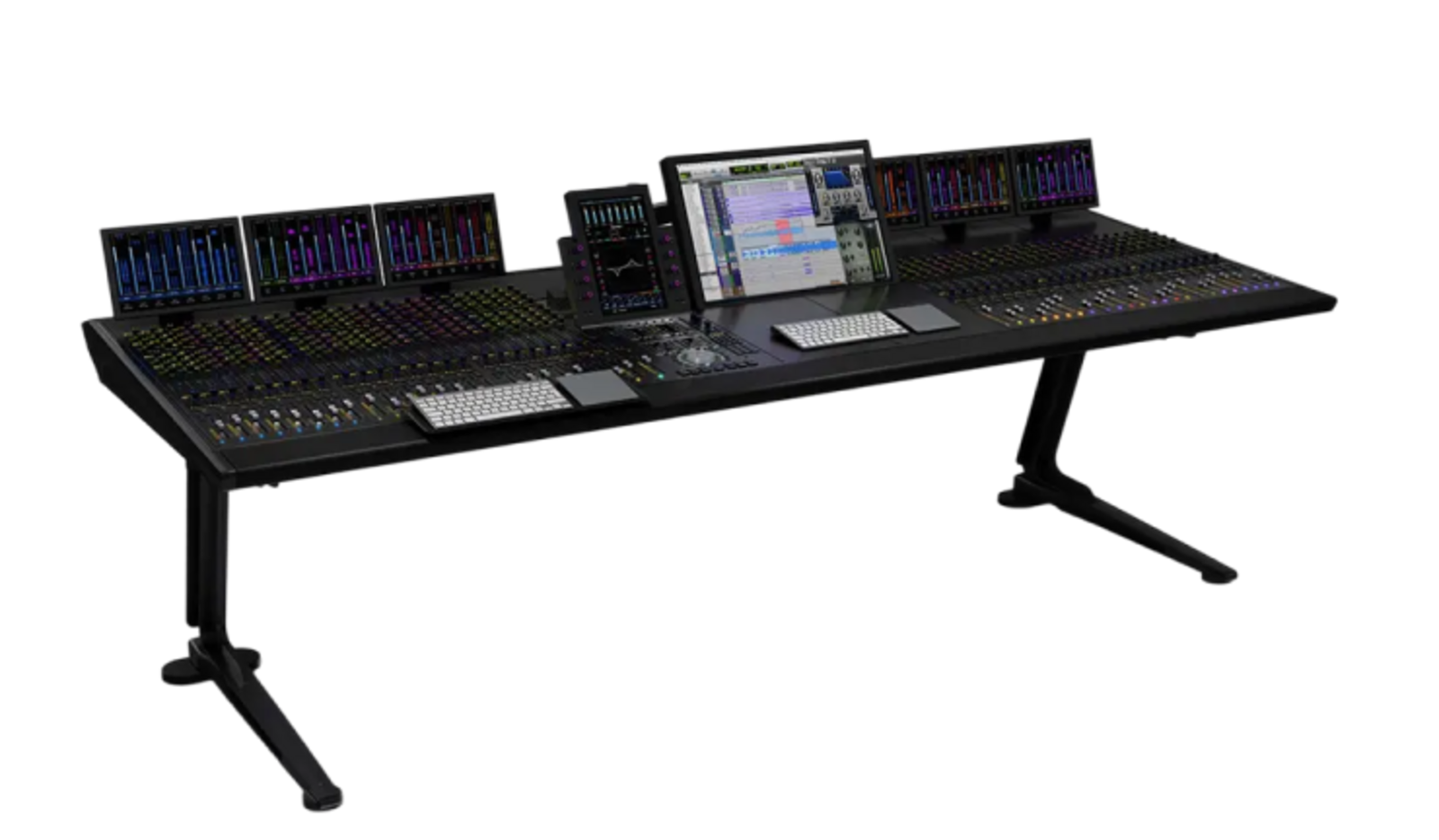
The Avid S6 gives you centralized control across demanding audio productions and multiple applications. The modular control surface integrates Avid Pro Tools® and EUCON-compatible DAWs (Digital Audio Workstations) into a unified control environment. Using the EUCON Ethernet protocol, you can directly access functions and parameters across your audio applications. With a choice of modules and frame sizes, the S6 can be scaled and tailored to your workflow.
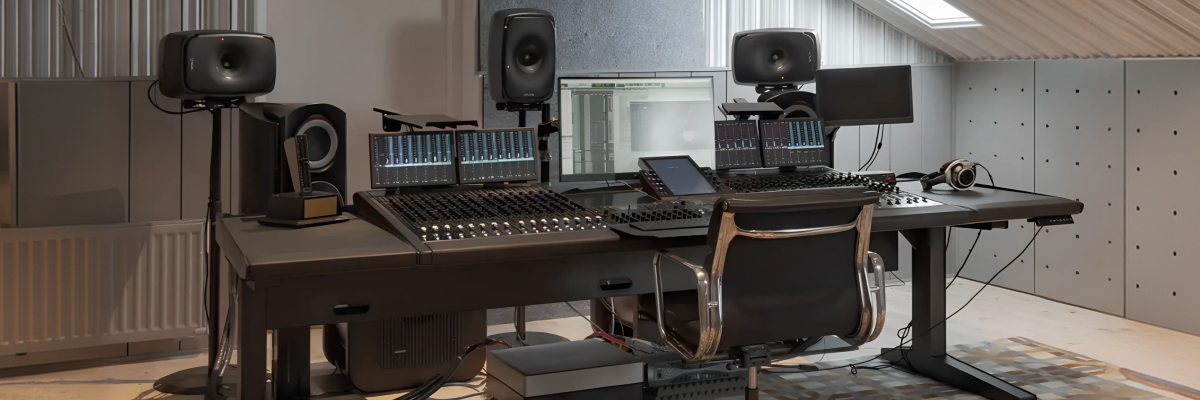
A console tailored to your workflow
The S6 is designed for production environments where complex audio workflows need to be managed efficiently. EUCON enables fast, reliable data transmission and simultaneous control of multiple audio applications. Modules can be arranged in different combinations and expanded with additional channel strips and faders as needed.
Thanks to its tight integration with EUCON-compatible DAWs, the S6 gives you direct access to a wide range of keyboard commands, menu functions, and controls. The Master Module and Automation Module each feature two Soft Key sections for quick access to automation, editing, session management, and other commands.
Even in large sessions, the S6 helps you maintain a clear overview: different colors make it easy to visually identify tracks and functions. Channel strips adopt the colors assigned in the audio application, while controls are color-coded according to their function. The high-resolution Display Module provides color visualization of multichannel meters, waveforms, and more.
Configure your Avid S6 in four steps
1. Choose your frame size
Select the frame size that best fits your requirements and workspace.
2. Position the Master Touch Module
Select the Master Touch Module (MTM) and use the plus icon to place it in your preferred position on the frame. Please follow the instructions in the information box.
3. Add additional modules
Configure your S6 with the Display, Joystick, Post, or Knob Modules you need. Select a module and use the plus icon to add it in your preferred position.
4. Submit your configuration
Send us your completed configuration. Based on your selection, we will provide you with a free, no-obligation quote.
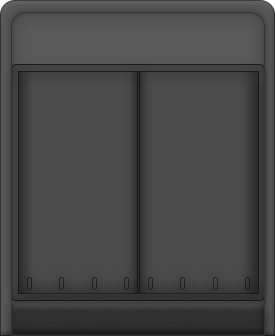
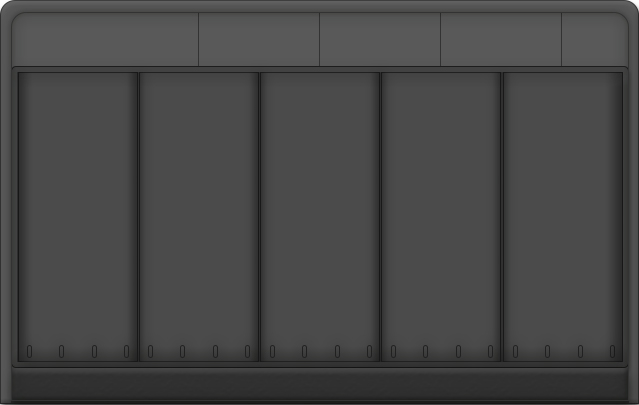
5 Knob Frames
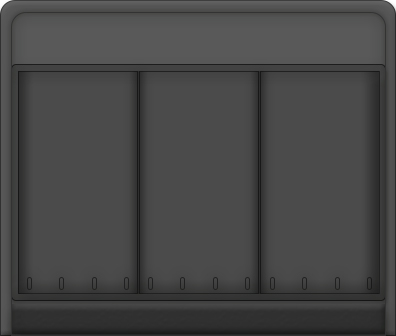
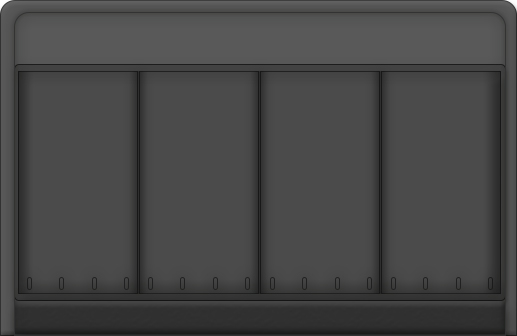
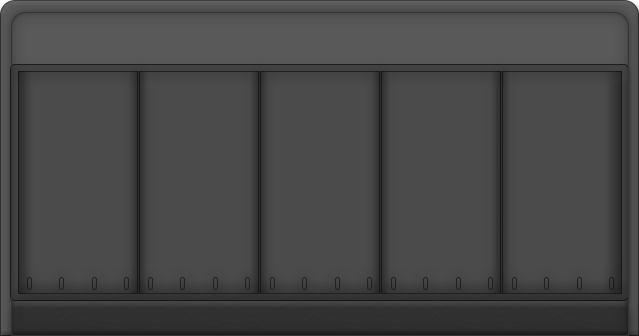
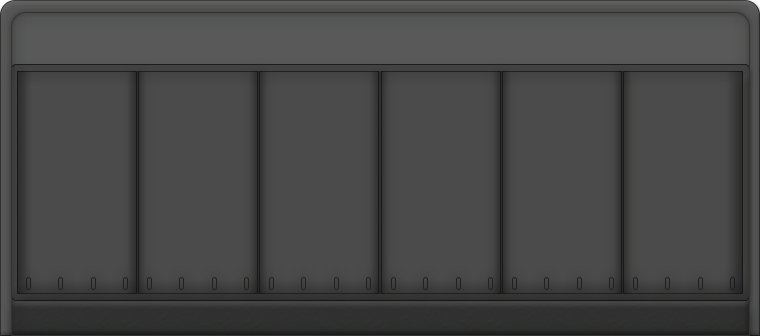
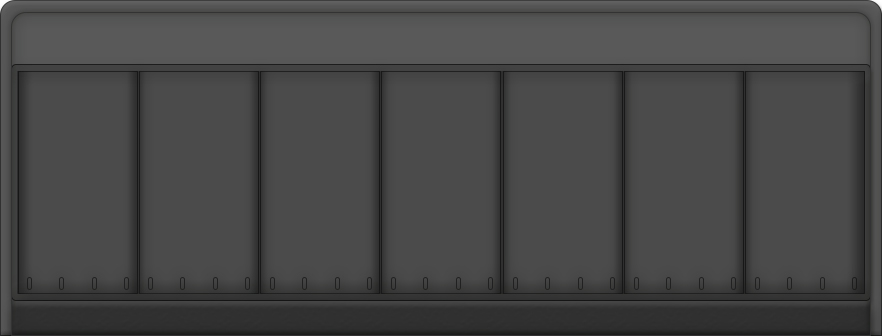
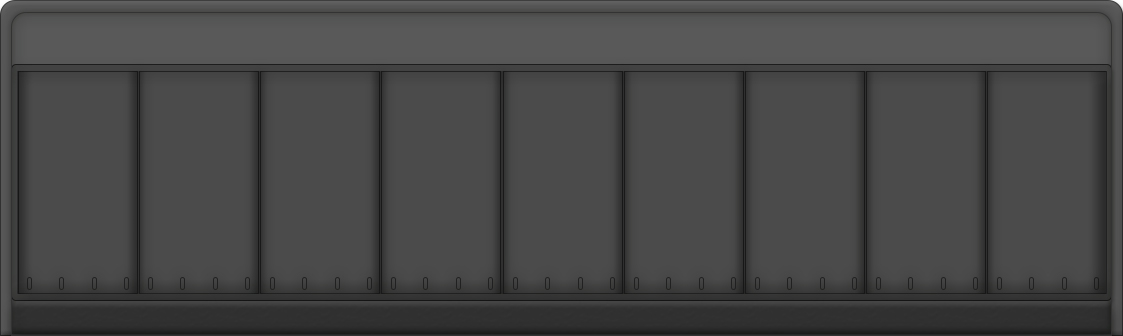
9 Knob Frames
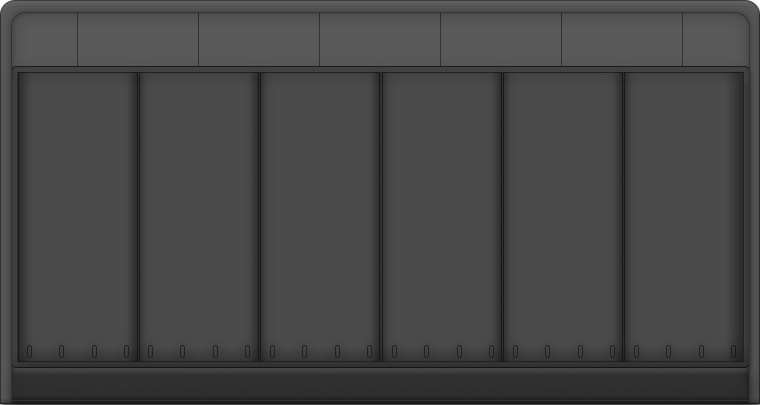
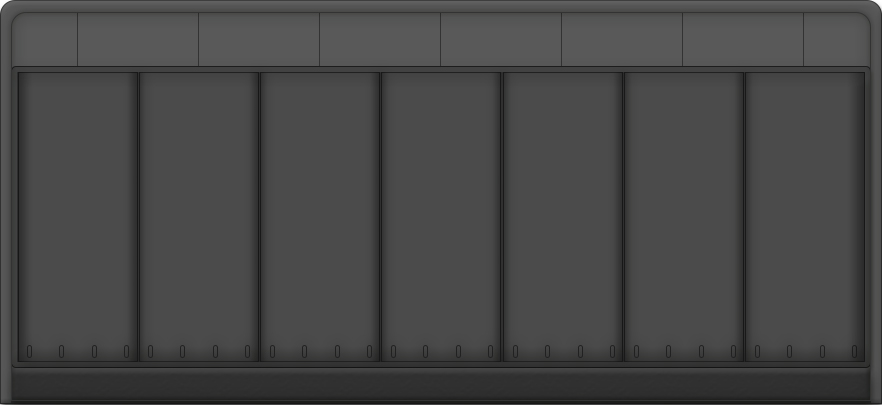
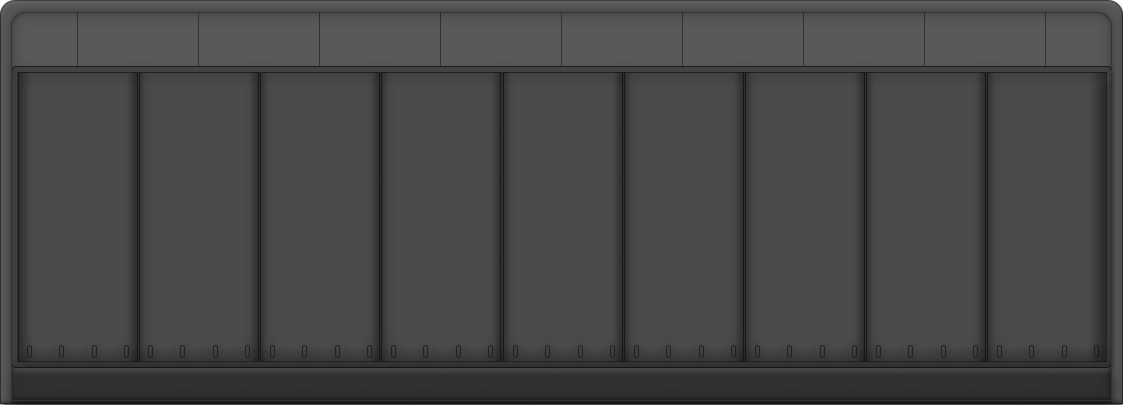

Select a frame
Avid S6: Consulting and Systems Integration
Would you like to learn more about the Avid S6 or discuss your configuration with us?
Our audio specialists provide independent, no-obligation consulting for your project. Together, we clarify your requirements and support you in integrating the Avid S6 into your studio and existing audio workflows.


